How to make your art come alive with AR — no app needed.
To make your art come alive with augmented reality (AR), upload a picture of the painting, print or illustration to Interart, put a short video, animation or 3D model on it, publish, and print the QR code beside the piece. Anyone who scans the code and points a phone at the artwork sees it move, right in the phone's browser. The free plan includes 3 published designs and 100 scans a month.
What it costs, in numbers.
- $0 to make and publish No card. An Interart watermark sits behind the AR, never on the artwork.
- 100 free scans, every month Shared by up to 3 live designs. Resets on the 1st.
- 0 apps for viewers to install The QR code opens it in the phone's browser.
- US$18 a month for Pro 10,000 scans a month, unlimited designs and a small “Made with” badge instead of the watermark.
At the monthly cap a design pauses until the 1st; nothing is billed. Every limit is on the price list.
From artwork to moving art in three steps.
-
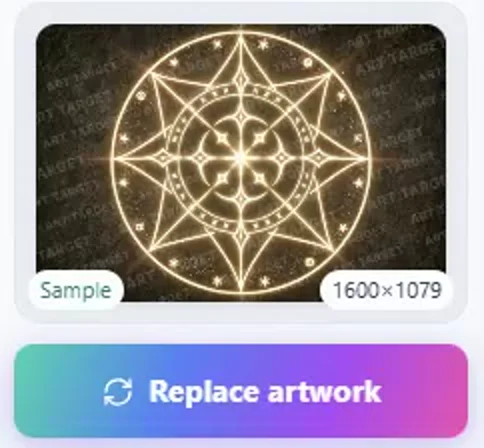
1Add your artwork
Upload the picture you print or hang; a photo of a painting taken at an angle can be straightened.
-
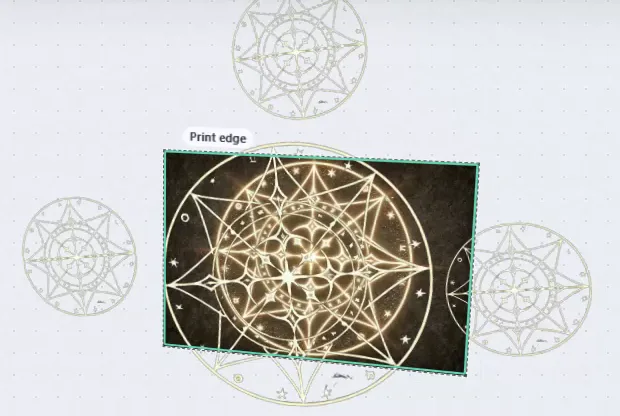
2Put what moves on it
A video, an animation, text or a 3D model, on the artwork or around it, without stretching the footage.
-
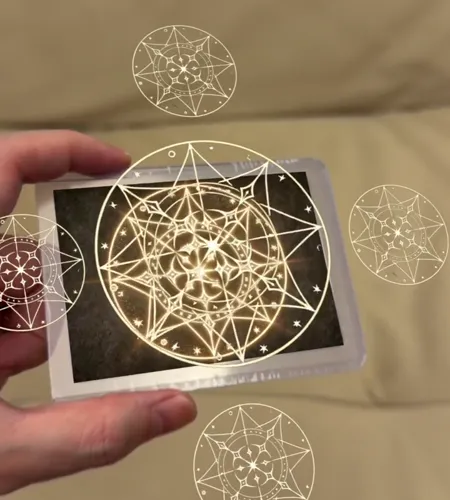
3Publish and scan
Print the QR code beside the piece, then test it on a phone in the light your audience will have.
Want the painting itself to move? Make a painting move when someone scans it, with an AI video tool or your own footage.
What you need
- Your artwork as an image, and a print of it to test.
- A short video you have permission to use. A process clip is enough; a 3D model is optional.
- A phone with a camera and a browser.
- A free Interart account when you publish. You can start editing without one.
No special paper is needed, and nothing is printed over the artwork: the QR code goes beside it.
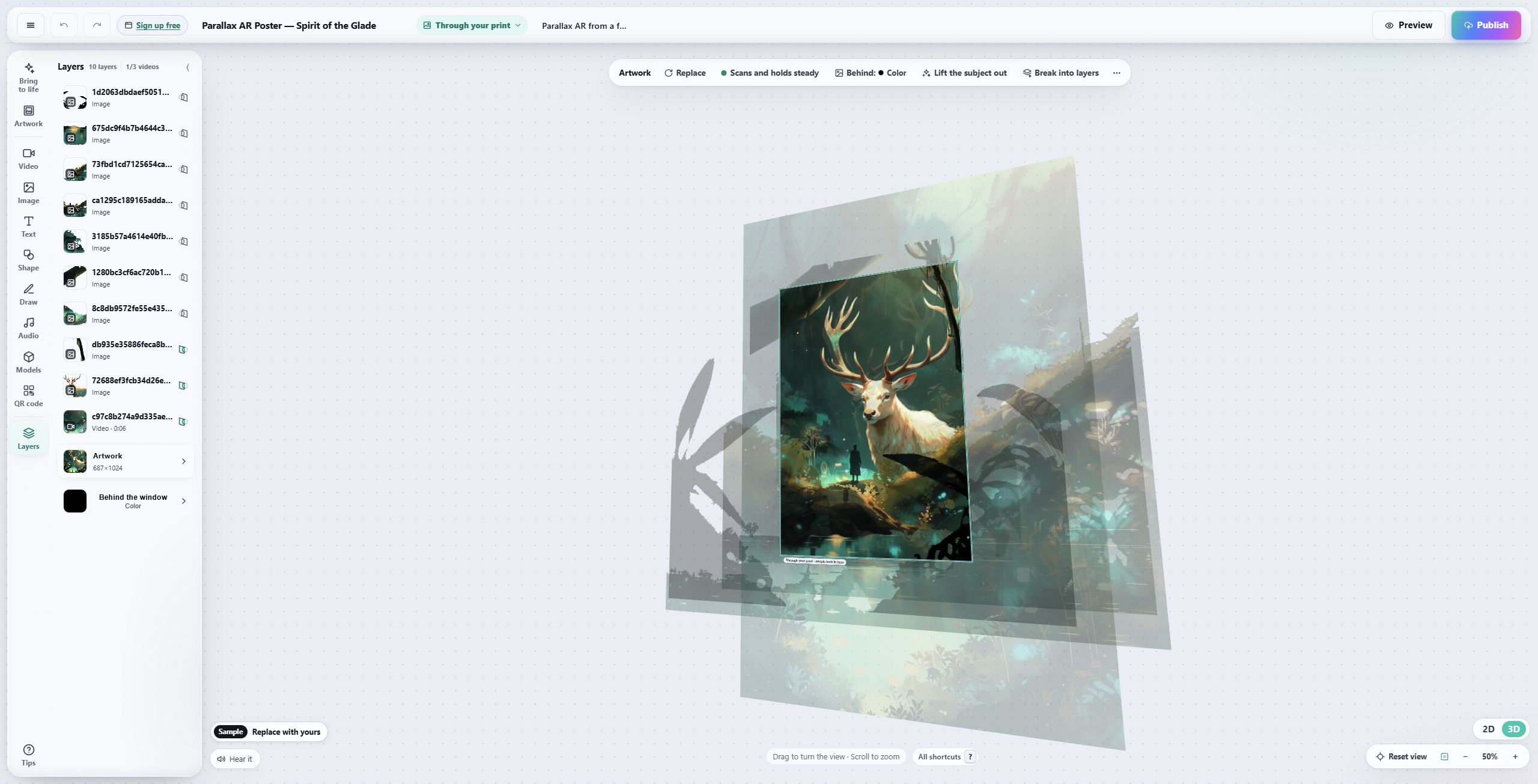
The artwork is the reference for the composition.
This one uses depth layers; a video sits over a print the same way. Begin with one layer.
If it does not recognize the artwork
- Check the target. A different crop, border or revised print can look like a different image.
- Move closer. Let the artwork fill more of the camera view, close to straight-on.
- Reduce glare. Step out of a direct reflection, or test a matte proof.
- Allow the camera. If an in-app browser cannot use it, reopen the link in the phone's browser.
The reference-photo guide covers target preparation, and why AR drifts covers a piece that locks on and then moves unevenly.
Before a print run
Test a final-size proof, and write an invitation beside the code, such as “Scan, then point your phone at the painting.” To change a published design, choose “Update the existing link” as you publish, so the printed code keeps working.
Next, try an AR poster, a trading card, or an exhibition.
Start with your first reveal.
One image, one video, one print to test.
Questions, answered.
No. Viewers scan the QR code or open the link, allow the camera and point their phone at the artwork; it plays in the phone's browser on iPhone and Android. Interart's iPhone app is optional.
Photograph the painting straight on, upload the photo as the artwork, and place a video, animation or 3D model on it in the editor. Publish, then hang the QR code beside the painting. Nothing is printed on the painting itself: the camera recognizes the painting.
Yes, to start. The free plan publishes 3 designs, includes 100 scans a month across them and commercial use, takes videos up to 30 seconds, and shows an Interart watermark behind the AR, never on the artwork. Pro is $18 a month for 10,000 scans and unlimited designs, with a small “Made with” badge instead of the watermark. At the monthly cap a design pauses until the 1st; nothing is billed.
The viewer first needs to open the Interart link or QR code and allow camera access. Inside that viewer, the camera recognizes the artwork and positions the digital layers. The phone camera alone does not know which Interart design to load.
No. You can begin with an existing short video, such as a process recording, and arrange it over your artwork. Animation and 3D are optional ways to develop the idea later.
Yes. Editing can begin without an account. Interart asks you to create or sign in to an account when you publish so the design can be saved and managed.