Can Canva do AR?
As of 1 November 2026, Canva cannot do augmented reality (AR) on its own: it has no AR view, no AR export and no AR effect. AR comes from apps in Canva's apps directory, and Interart is one of them: it turns one page of a Canva design into the artwork phones recognize and another into the video that plays on it, in the phone's browser, with no app for viewers to install.
Interart is a separate app, made by Interart, not by Canva. It is free to use with any Canva plan. A free Interart account publishes 3 designs with 100 scans a month.
What Canva does near AR, and what AR adds.
Checked against Canva's help center and features list on 1 November 2026.
| In Canva | What you get |
|---|---|
| 3D elements | 3D objects from Canva's library, or made with AI, that you rotate on screen in presentations, videos, whiteboards, social posts and websites. They download as still images, and you cannot upload your own 3D model. |
| Video and animation | An MP4 or GIF that plays on a screen. A PDF or a PNG cannot move. |
| QR codes | A code that opens a web address, such as a video page. The print itself stays still. |
| Cards, invitations, flyers and posters, printed by Canva or at home. The paper does not change. | |
| With the Interart app | The video plays on the print itself, in the phone's camera view, and stays on it as the phone moves. |
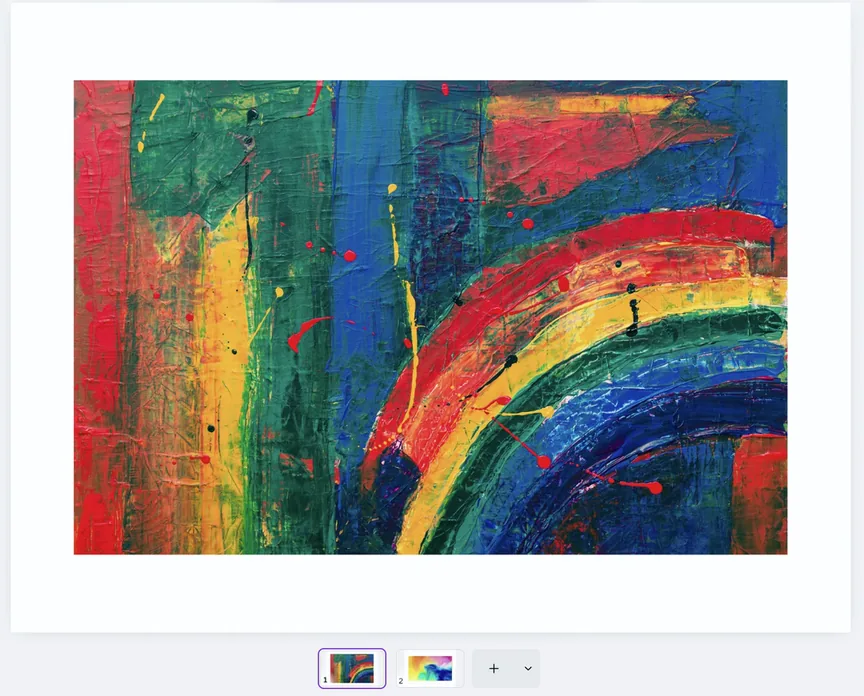
Two pages of your design: one is the artwork, the other plays on it.
One page is the artwork. The other holds a video or animation, at the same size.
By Interart · Updated
How Interart turns a Canva design into AR
The Interart app publishes two pages of one Canva design: the artwork phones recognize, and a page of the same size with a video or animation that plays on it. You open the app from Canva's Share menu under See all, connect a free Interart account and publish, then print the artwork with its QR code beside it.
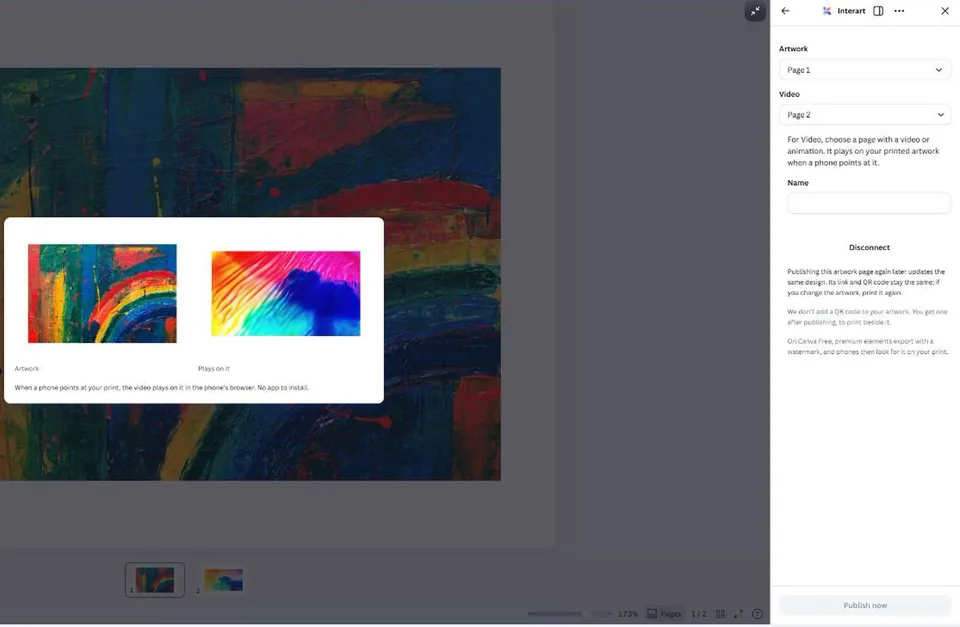
The step-by-step guide to AR for Canva designs shows each step in pictures, what the Video page can hold and what to know before you publish. Install the app from Interart in Canva's apps directory.
Can I make an AR code in Canva?
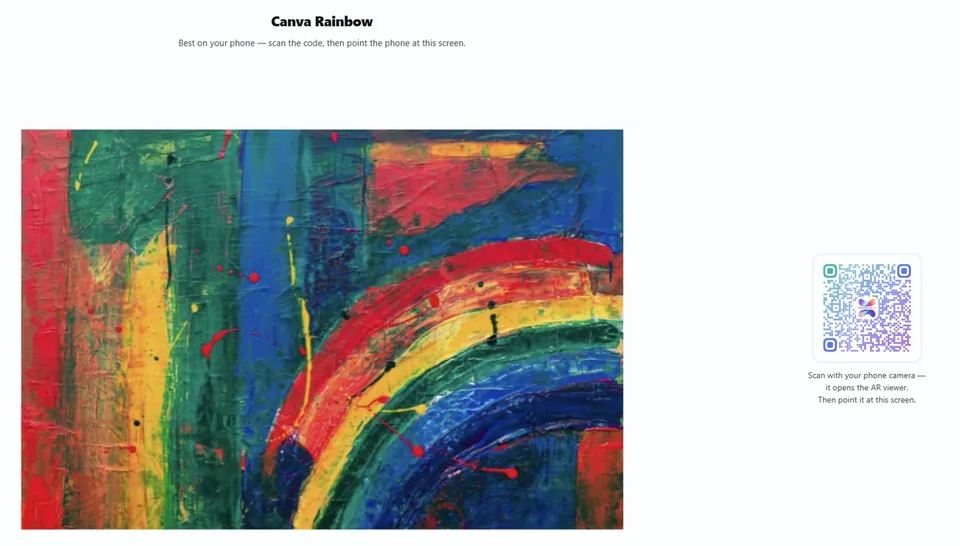
Canva makes QR codes, not AR codes: a Canva QR code opens a web address, and the print stays still. A static code keeps its link, and a dynamic code can change its link after printing, but neither makes the print move. A design published with Interart gets its own QR code, which opens the design in AR: print that code beside the artwork, and a phone that scans the code and points at the print plays the video on it.
AR apps in Canva's apps directory
On 1 November 2026, two of the more than 1,400 apps in Canva's directory named augmented reality in their title or tagline: Interart and Artivive. Each is made by its own company, not by Canva, so read each app's listing to see how its viewers watch.
Older answers you will find
Before you follow a tutorial on AR with Canva, check its date: three AR tools have closed since January 2025. Meta Spark's effects platform shut down on 14 January 2025, Adobe Aero was discontinued on 6 November 2025, and access to the 8th Wall platform ended on 28 February 2026, with its hosted experiences scheduled to end on 28 February 2027.
When to use the Interart editor instead
The Interart app for Canva publishes one video over one artwork, so use the Interart editor for anything more. For a 3D model of your own, which you cannot upload to Canva, or for text, several videos or layers that rise off the print, upload the same artwork to the editor in your browser and build on it there. A design published from Canva and one made in the editor play the same way.
What the editor adds to a print.
Real phone recordings of our demo designs.
Open a template, make it yours.
Interart’s AR templates are finished, working designs — open one in the browser editor, swap in your own artwork, and it’s yours. Each one teaches a technique with a built-in guided tour.
No account needed — sign up later and your work comes with you.
Add AR to a Canva design today.
Install the Interart app in Canva, choose two pages and publish. It is free with any Canva plan.
Questions, answered.
Not as of 1 November 2026. Canva has no AR view, no AR export and no AR effect: its 3D elements rotate on screen and download as still images, and none of its downloads (PNG, JPG, PDF, MP4, GIF and others) is an AR file. AR comes from apps in Canva's apps directory, such as Interart.
Install the Interart app in Canva. Make one page with the artwork and one with a video or animation, open Interart in the Share menu, pick the two pages, connect a free Interart account and publish. Print the artwork with its QR code beside it: a phone that scans the code and points at the print plays the video on it.
Not with Canva alone. Canva makes QR codes that open a web address, and the print stays still. A design published with Interart gets its own QR code, which opens the design in AR: print the code beside the artwork, and a phone that scans the code and points at the print plays the video on it.
The Interart app is free with any Canva plan, Canva Free included. A free Interart account publishes 3 designs with 100 scans a month and videos up to 30 seconds and 20 MB, with an Interart watermark behind the AR, never on your artwork. At the monthly cap a design pauses until the 1st; nothing is billed. On Canva Free, premium elements export with Canva's watermark, and the watermark becomes part of the artwork phones look for. Print exactly what you published.
No, as of 1 November 2026. Canva's 3D elements come from its own library or are made with AI; they rotate on screen and download as still images. To put a 3D model on a print in AR, upload it to the Interart editor, which takes GLB, USDZ and STL files.
No. Viewers of a design published with Interart scan the QR code with the phone camera, allow the camera and point the phone at the print, and the video plays in the phone's browser on iPhone and Android.