Turn a Canva design into a print that plays video.
Interart for Canva is a free app that turns a Canva design into augmented reality (AR). Pick one page as the artwork and one page with a video or animation, publish from Canva's Share menu, and print the artwork with its QR code beside it. When a phone points at the print, the video plays on it in the phone's browser, with no app to install.
Free to install. A free Interart account publishes 3 designs with 100 scans a month.
From Canva to a print that plays, in three steps.
-
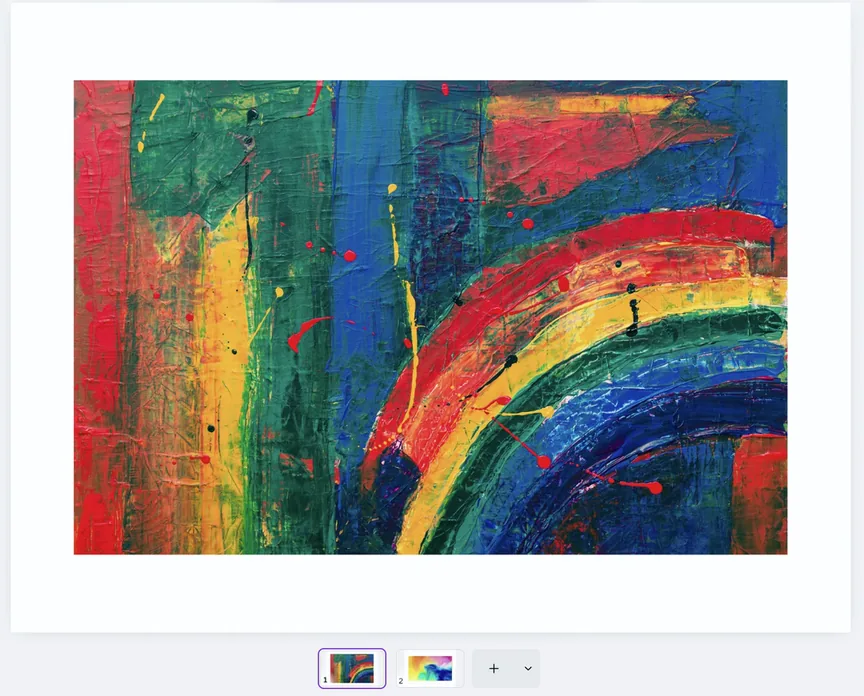
1Make two pages in Canva
One page is the artwork. The other holds a video or animation, at the same size.
-
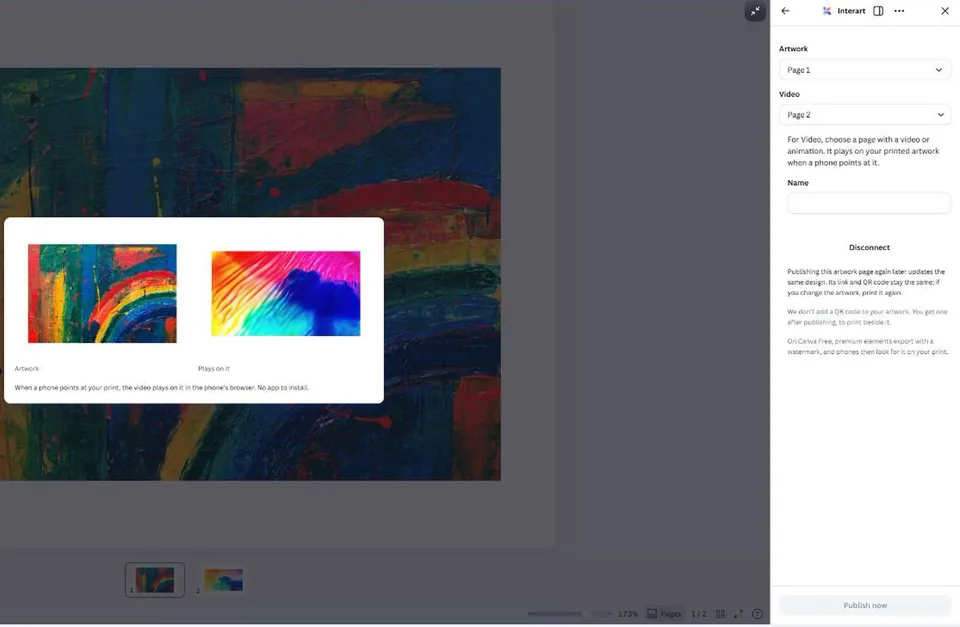
2Publish with Interart
In Canva's Share menu, open Interart, choose the Artwork and Video pages, connect a free account and publish.
-
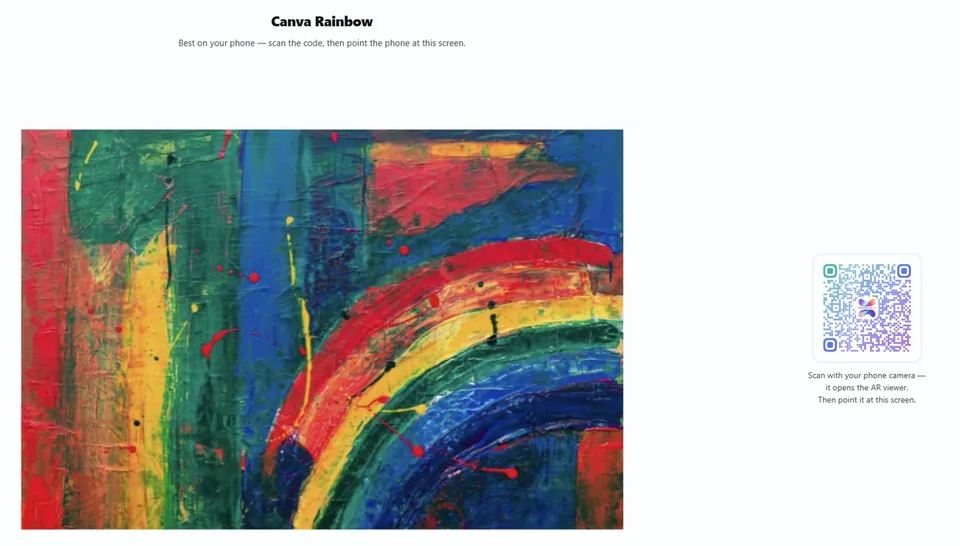
3Print it with its QR code
Print the artwork and the QR code beside it. A phone that scans the code and points at the print plays the video on it.
Find the app in Canva's Share menu under See all, or open Interart in Canva's apps directory.
What a free account covers.
- 30 seconds of video on the free plan Up to 20 MB a video. Pro and Studio play up to 3 minutes.
- 100 free scans, every month Resets on the 1st. At the cap a design pauses; nothing is billed.
- 0 apps for viewers to install It plays in the phone's browser, on iPhone and Android.
- $0 to install the app and publish No card. An Interart watermark sits behind the AR, never on your artwork.
Every limit is on the price list.
Posters, cards and invitations that play.
An event poster plays the trailer, and a band's flyer plays the video of its single. The QR code beside the art is the way in.
A greeting card plays a recorded message, and an invitation plays a save-the-date video. Change the video later without reprinting.
A print plays its process video, and a menu shows the dish moving. Each artwork page in one Canva file becomes its own design.
Good to know before you publish
- The video covers the artwork. It fills the whole artwork and loops. Make the Video page the same size as the Artwork page: if their shapes differ, the video's edges are cropped to fit.
- The Video page must move. A still page is refused, with the reason, before anything publishes. Canva first offers the current page for Video, which is often the artwork itself.
- Each artwork page is its own design. One Canva file can hold several cards or posters, and each artwork page gets its own link and QR code.
- Publishing again updates the design. Publish the same artwork page with a new video, and its link and QR code stay the same, so prints already handed out play the new video. A changed artwork needs printing again, because phones look for the new picture.
- Your artwork stays as you designed it. Interart never adds a QR code to it. You get the code after publishing, to print beside the artwork, on its back or on a label.
- Watch for Canva watermarks. On Canva Free, premium elements export with a watermark, and the watermark becomes part of the artwork phones look for. Print exactly what you published.
- Detail helps phones find it. Phones recognize the artwork by its detail, so a photo or a busy illustration works better than flat color or one small logo on white.
When to start in the Interart editor instead
The app publishes one video over one artwork. For layers around the artwork, text, several videos, 3D models or depth that shifts as the phone moves, upload the same artwork to the Interart editor in your browser and build on it there. A design published from Canva and one published from the editor play the same way.
Open a template, make it yours.
Interart’s AR templates are finished, working designs — open one in the browser editor, swap in your own artwork, and it’s yours. Each one teaches a technique with a built-in guided tour.
No account needed — sign up later and your work comes with you.
Make your next Canva design play.
Add Interart in Canva, choose two pages and publish. Your first print can play within minutes.
Questions, answered.
Yes, with the Interart app for Canva. It publishes two pages of a Canva design as augmented reality: the artwork phones recognize, and the video that plays on it. Print the artwork, and anyone who scans its QR code and points a phone at the print sees the video play on it.
No. Viewers scan the QR code with the phone camera, allow the camera in the browser and point the phone at the print. It plays in the phone's browser on iPhone and Android.
Anything in Canva that moves: an uploaded video, a video from Canva's library, or animated elements. The free plan plays up to 30 seconds and 20 MB; Pro and Studio play up to 3 minutes. Phones often start muted, so let the motion carry the idea.
Yes. Edit the Video page in Canva and publish the same artwork page again. The design updates, its link and QR code stay the same, and every print plays the new video on its next scan. Only a changed artwork needs printing again.
A QR code alone opens the video on a separate screen, and the print stays still. With Interart the video plays on the print itself in the camera view and stays on it as the phone moves. The QR code is only the way in.
The app is free. A free Interart account publishes 3 designs with 100 scans a month, commercial use included and no card, with an Interart watermark behind the AR, never on your artwork. Upgrade one design for $5/month with One: 1,000 scans for that design and a small “Made with” badge instead of the watermark; other Free limits stay the same. Show is $12/month for 10 live designs and 5,000 scans across the account, with the same small badge. One and Show are monthly only. Pro is $18/month or $173/year for unlimited designs and 10,000 scans a month, with a small badge. Studio is $49/month or $470/year for 100,000 scans a month, with no watermark or badge. At the monthly cap a design pauses until the 1st; nothing is billed.