Make the print part of the story.
A zine cover that moves. A product insert with a reveal. A package that introduces its maker. Add a digital layer to a flat printed surface, ready to discover in a phone browser.
Try the editor free. No account needed to start.
Give people a reason to look closer.
Let an illustration move or introduce the story behind the pages.
Add a reveal to an art card, a hang tag or a printed insert that travels with your product.
Show your product in use or share the maker’s story over a flat printed panel.
See what a print can become.
Real phone recordings of our demo designs.
Your artwork. Your layers. Your call.
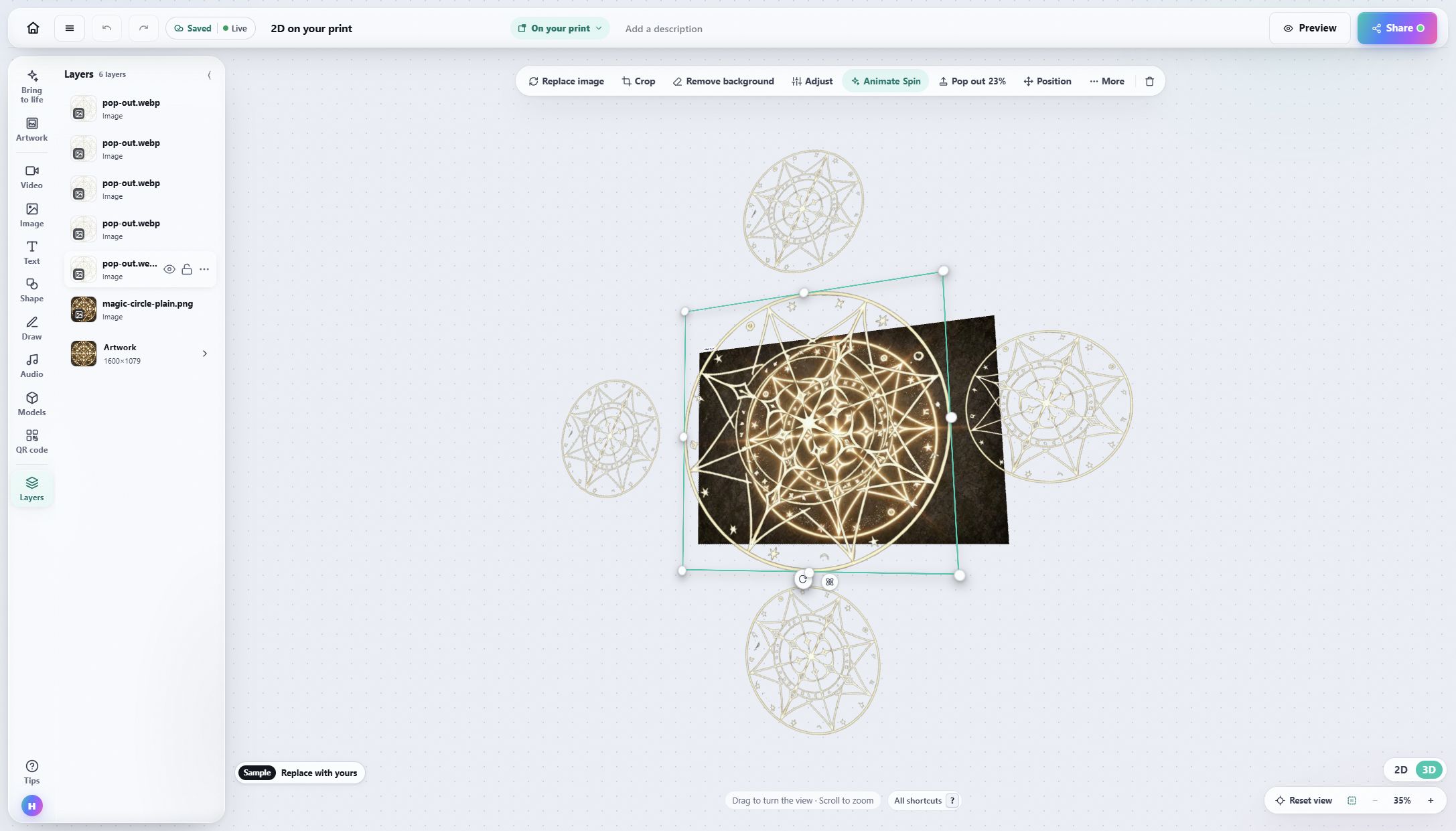
Arrange images, video, text and 3D in a visual editor. Start with an example and replace the artwork with yours.
Start with something you already made.
-
1
Add your artwork
Upload the image you will print, or a clear photo of an existing piece.
-
2
Build the reveal
Arrange your layers and try the result on your own phone.
-
3
Publish and share
Share the link or print the QR code beside your artwork.
Open a template, make it yours.
Interart’s AR templates are finished, working designs — open one in the browser editor, swap in your own artwork, and it’s yours. Each one teaches a technique with a built-in guided tour.
No account needed — sign up later and your work comes with you.
Try it on your next printed piece.
Start small: one flat print and one memorable reveal.
Questions, answered.
No. Viewers open your link or QR code in a supported phone browser, allow camera access and point at the print. An internet connection is required.
Yes. You can try the editor without an account and create an account when you publish. The free plan includes commercial use, with limits on published designs and monthly scans. See Pricing for current allowances.
Choose a flat, detailed printed surface and test a physical sample before a print run. Matte finishes help avoid glare. Curved bottles, cans and flexible fabric are not supported by this print workflow.